Internal Linking Case Study: Before and After Website Structure
This internal linking case study walks through a realistic small business blog scenario. No invented traffic charts. The focus is what was broken, what changed, and which signals improved in a typical WordPress audit.
Quick Answer
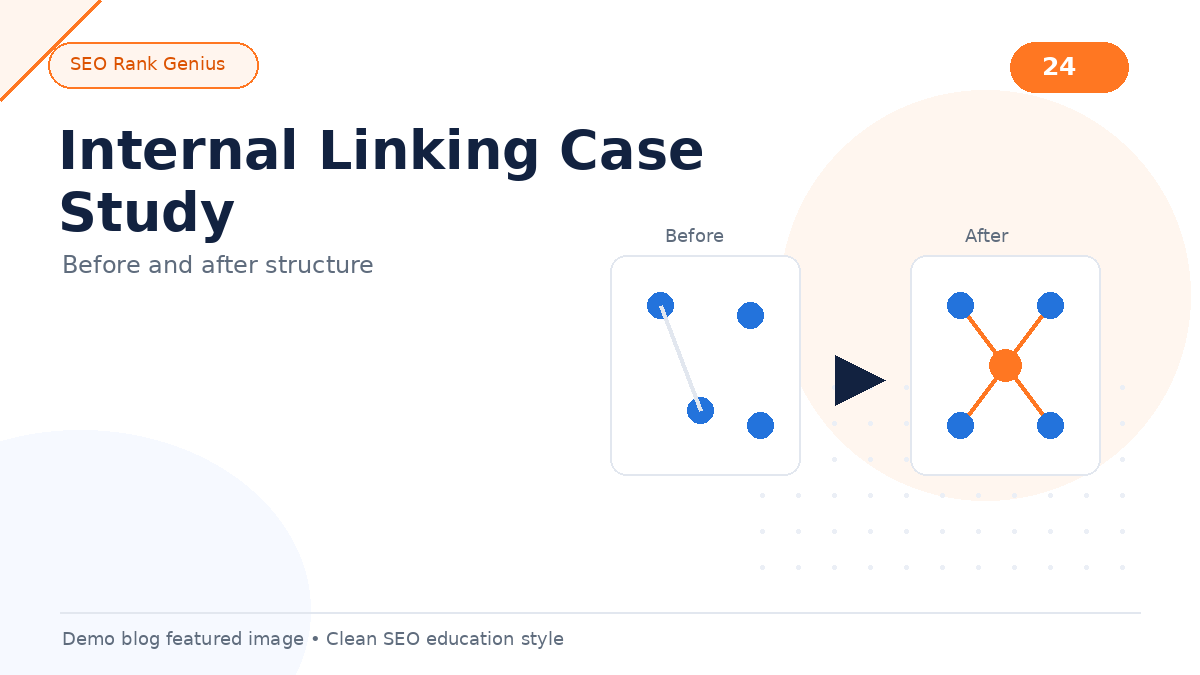
A regional HVAC company blog had dozens of posts but weak internal paths. Many URLs were orphans. After building two topic clusters, adding hub pages, and updating anchors on legacy posts, crawl paths cleared up, orphan counts dropped, and readers reached service pages more often through content.
The Site Before the Audit
Business: Local HVAC contractor with emergency repair and maintenance plans.
Content: 48 blog posts over three years, mostly seasonal tips and equipment guides.
Problems found:
- 19 posts had zero inbound internal links from other posts (only category archives)
- No pillar pages; every post targeted random keyword variations
- Service pages linked from menu only, rarely from blog body
- Generic anchors (“learn more”) dominated older content
- Two competing posts targeted “furnace maintenance checklist”
The team published consistently but treated the blog as a sidebar project.
Audit Steps Used
1. Export crawl or use a plugin inlink report
2. Map URLs to business themes (maintenance, repairs, efficiency, financing)
3. Mark orphans and cannibalized pairs
4. Assign one pillar per theme following silo SEO principles
5. Draft hub layouts per content hubs guidance
Cross-check basics with the internal linking for SEO guide.
Structural Changes Made
Cluster 1: Furnace maintenance
- Pillar: Annual furnace maintenance guide (consolidated two overlapping posts)
- Supporting: filter replacement, strange noises, thermostat settings, safety checks
- Hub page: “Furnace care resources” listing pillar plus supporting URLs
Cluster 2: Emergency repair
- Pillar: What to do before the technician arrives
- Supporting: no-heat troubleshooting, frozen pipes, carbon monoxide signs
- Hub page: Emergency help center with click-to-call prominence
Linking rules applied
- Every supporting post linked to its pillar within the first three paragraphs
- Two lateral links between related supporting posts
- Service pages received contextual links from high-trust posts (not footer-only)
- Anchors rewritten using anchor text SEO patterns
Before vs After (Qualitative)
Orphan posts (zero body inlinks): dropped from 19 to 3 (legacy news posts intentionally kept low priority).
Pillar pages: from 0 to 2 active hubs.
Generic “learn more” anchors: replaced on the top 30 URLs.
Service page paths from blog body: linked from each cluster pillar instead of menu-only paths.
Editor workflow: moved from publish-and-forget to a per-post linking checklist.
Outcomes Observed (Realistic, Not Hyped)
Within two crawl cycles (roughly four to eight weeks on this site size):
- Search Console showed more indexed blog URLs receiving impressions (not a traffic guarantee, but discovery improved)
- Average pages per session from blog landing pages rose in analytics (readers followed internal paths)
- Orphan report in the SEO plugin dropped from 19 to 3
- Content team cut time spent answering repeat FAQs because hub pages centralized answers
No ranking promises are implied. Competition and seasonality still dominate HVAC queries. The win was structure: clearer paths for users and bots.
Lessons for Your Site
- Audit before you publish more posts
- Consolidate cannibalized URLs when possible
- Mark pillars and parent relationships in your SEO workflow
- Update old posts when you launch a hub (highest ROI step)
- Track orphans, not just word counts
Review how many internal links per post when retrofitting legacy content.
FAQ
How long did the retrofit take?
About three weeks part-time: one week audit, two weeks linking updates and hub builds.
Did they delete posts?
They merged two overlapping maintenance posts into one pillar and redirected the weaker URL.
Would this work for ecommerce?
Yes. Product categories often need the same hub and pillar logic.
Final Thoughts
This internal linking case study shows structure beats volume when old posts sit disconnected. You do not need a huge budget. You need clusters, hubs, and a habit of linking every new URL into the graph.
Run the SEO Rank Genius demo to mirror this audit on your WordPress site: orphans, anchors, and pillar relationships in one view.