Content Hubs: How to Turn Blog Posts into SEO Assets
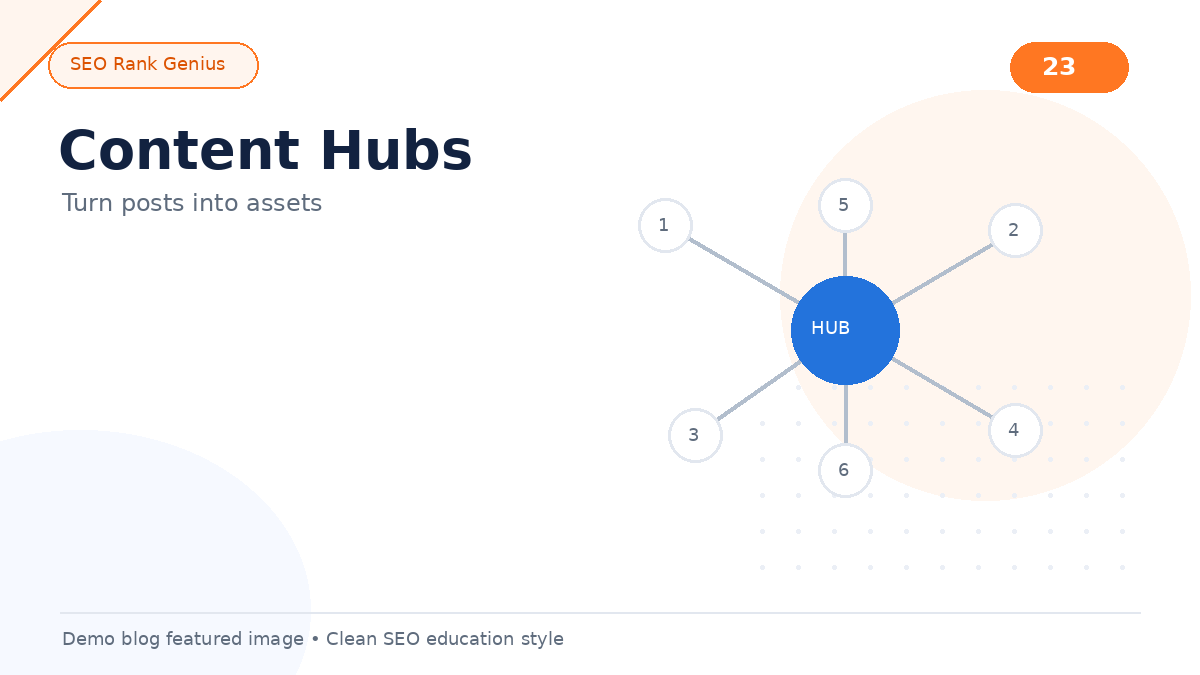
A blog archive sorted by date is fine for news. It is weak for education and SEO. Content hubs reorganize related posts around a central hub page so visitors find answers fast and search engines see clear topical depth.
Quick Answer
A content hub is a central page that links to the best resources on one theme: pillar guides, tutorials, tools, and FAQs. Hubs pair with silo SEO by making cluster structure visible to users, not just crawlers.
Hubs vs Regular Category Pages
Category archives auto-list all posts in a taxonomy. Hubs are curated: you choose order, summaries, and priority URLs. Hubs feature pillar content at the top and include editorial summaries. Category pages rarely offer that level of guidance or conversion-focused CTAs.
Build the structural logic first in silo SEO topic clusters, then design the hub for humans.
Anatomy of a Strong Content Hub
1. Hero section stating the theme and audience
2. Pillar link with a short value summary
3. Supporting sections grouped by subtopic
4. FAQ or quick links for common questions
5. Internal links to related clusters when topics overlap
6. Update date so readers trust freshness
Link hub entries with strong anchors. See anchor text SEO for phrasing patterns.
Hub Layout Patterns
- Card grid: good for visual learners and many tutorials
- Accordion FAQ hub: strong for service businesses
- TOC pillar style: one long hub with jump links
- Hybrid hub: short intro plus cards for depth posts
Match layout to how customers search. Service businesses often need FAQ-first hubs. Publishers may prefer card grids.
Connecting Hubs to Internal Linking
Every supporting post should link up to the hub or pillar. The hub links down to priority URLs. Older posts should link into new hub sections when you launch them.
This mirrors the workflow in our internal linking for SEO guide. Avoid orphan pages by auditing inlinks after hub launches.
Content Hub Launch Checklist
- [ ] Pillar page published and marked as cluster hub
- [ ] Supporting posts live with links to pillar
- [ ] Hub page lists priority URLs with summaries
- [ ] Menu or footer link to the hub
- [ ] Three to five legacy posts updated to link to the hub
- [ ] Featured image and descriptive alt text on hub page
Reference how many internal links per post when wiring hub body copy.
FAQ
How many hubs should a site have?
Start with hubs tied to revenue topics. One strong hub beats five empty ones.
Can a hub be a pillar page?
Often yes. The same URL can serve as pillar, hub, and primary landing page.
Should hubs replace blog menus?
No. Hubs complement chronological blogs and category archives.
Final Thoughts
Content hubs turn scattered posts into assets. Readers get a guided path. Crawlers see hierarchy. Your editorial team gets a repeatable publishing target.
Try the SEO Rank Genius demo to review hub pages, pillar flags, and internal link coverage on WordPress.