Schema Markup for SEO: Beginner’s Guide to Structured Data
Search engines are good at reading text, but structured data makes page purpose explicit: this URL is an article, this block is a FAQ, this entity is a local business with hours and address.
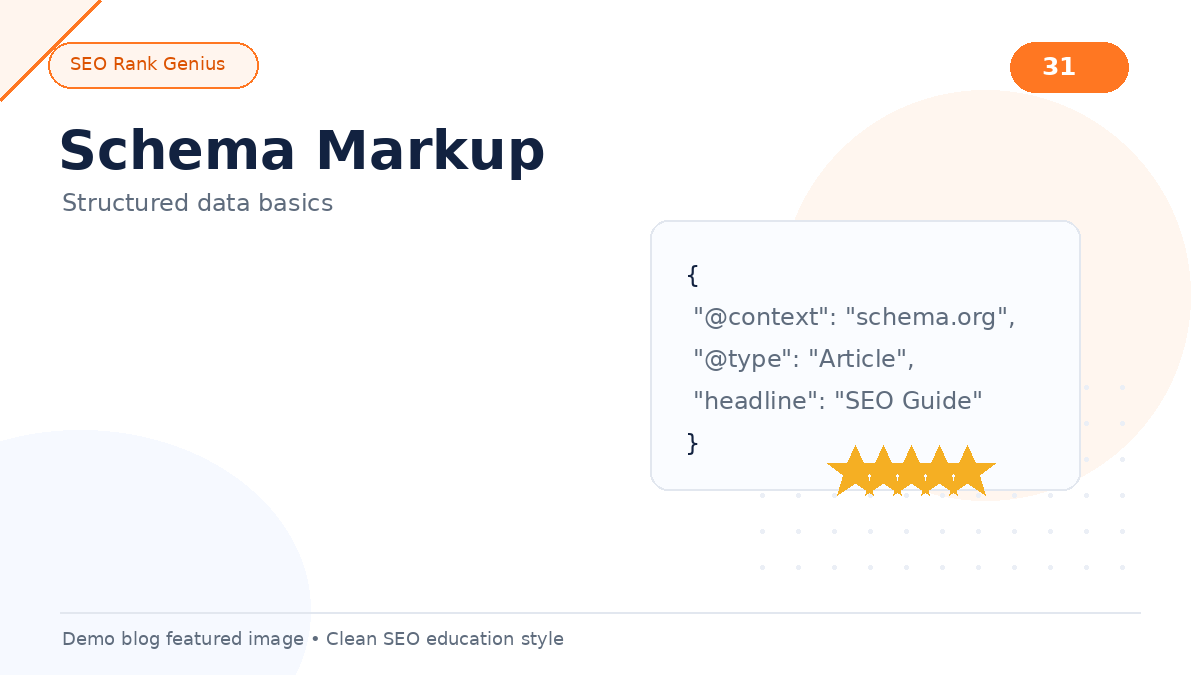
Schema markup for SEO uses a shared vocabulary (Schema.org) usually delivered as JSON-LD in the page. This beginner guide covers what to mark up on WordPress, what to skip, and how to validate output without triggering warnings.
Quick Answer
Schema markup is code that describes entities on a page using Schema.org types and properties. JSON-LD is Google’s preferred format. It supports eligibility for rich results (FAQ, how-to, product, article enhancements) but does not guarantee them. Start with accurate Article or BlogPosting on posts, Organization or WebSite site-wide, and add FAQ or HowTo only when content visibly matches.
Structured Data vs On-Page SEO
On-page SEO shapes titles, headings, and copy humans read. Structured data describes relationships machines parse: author, datePublished, mainEntityOfPage, offers, aggregateRating, and more.
They complement each other. Misleading schema (marking up invisible FAQs or fake reviews) violates guidelines and can lead to manual actions or rich result loss.
JSON-LD Basics
JSON-LD lives in a script block in the HTML head or body:
“`json
{
“@context”: “https://schema.org”,
“@type”: “BlogPosting”,
“headline”: “Example Post Title”,
“datePublished”: “2026-06-01”,
“author”: { “@type”: “Person”, “name”: “Author Name” }
}
“`
WordPress SEO plugins generate this automatically for posts when configured. Avoid hand-editing generated JSON unless you understand dependencies.
High-Value Schema Types for WordPress Sites
| Type | Use when |
|——|———-|
| Organization / WebSite | Site-wide identity, logo, search action |
| Article / BlogPosting | Blog posts and news content |
| FAQPage | Visible FAQ section with real Q&A pairs |
| HowTo | Step-based tutorials users can follow on-page |
| LocalBusiness | Brick-and-mortar location pages |
| Product | Ecommerce product detail pages |
| BreadcrumbList | Reflect visible breadcrumb navigation |
Add types only when page content satisfies Google’s rich result policies.
Implementation Paths on WordPress
SEO plugin modules
Yoast, Rank Math, SEOPress, and SEO Rank Genius structured data features output JSON-LD based on templates. Configure once per post type.
Theme or block additions
Some themes ship Organization or Article markup. Check for duplicates when plugins also output the same types.
Custom code
Use sparingly for edge cases. Prefer filters provided by SEO plugins to merge graph nodes instead of pasting second JSON-LD blocks.
Duplicate conflicting graphs confuse validators and may merge incorrectly in search features.
Validation Workflow
After publishing or template changes:
1. Run URL through Google Rich Results Test
2. Fix errors (missing required fields, wrong type)
3. Review warnings (optional properties worth adding)
4. Spot-check rendered HTML matches structured data (visible FAQ text equals FAQPage entities)
Include validation in your technical SEO checklist for WordPress whenever schema plugins update.
FAQ Schema: Common Pitfall
FAQPage markup requires questions and answers displayed on the page. Hidden accordions still count if content is in HTML, but auto-generated FAQs with no editorial value do not.
Each question should be a genuine user question; answers should be concise and accurate.
Connecting Schema to Crawl and Index Health
Structured data does not replace sitemaps or canonicals. Crawlers must reach the URL and index it before rich features apply. Ensure discovery paths stay clean via the XML sitemap guide and allow rendering assets per robots.txt explained.
When pages move, update schema `@id` and url fields to match canonical URLs. Broken links to deprecated JSON endpoints rarely matter, but wrong url properties split entity signals.
Common Mistakes
- Marking up content types not shown to users
- Multiple plugins outputting duplicate Organization nodes
- Using Review schema without valid first-party review content on page
- Stale dateModified on unchanged posts (minor trust signal)
- Expecting rich results immediately after deployment
Beginner Checklist
- [ ] Pick one primary schema plugin or generator
- [ ] Enable Article/BlogPosting on blog post type
- [ ] Add Organization logo and sameAs social profiles
- [ ] Validate homepage and one representative post
- [ ] Add FAQPage only on posts with real FAQ sections
- [ ] Revalidate after theme switch
If you publish how-to tutorials, pair HowTo schema with strong on-page steps similar to advice in How Search Engines Work for clear entity boundaries.
FAQ
Is schema markup a ranking factor?
Google says structured data itself is not a direct ranking boost, but rich results can improve visibility and CTR.
JSON-LD or microdata?
Google recommends JSON-LD. Most WordPress tools default to it.
Can schema hurt SEO?
Incorrect or spammy markup can cause rich result loss or manual actions. Accurate, visible content is safe.
Do I need schema on every page?
Prioritize templates with clear types (posts, products, locations). Generic archive pages often need less.
How does schema relate to AI search?
Clear entity markup helps systems summarize and cite pages accurately, but quality content remains primary.
Final Thoughts
Schema markup for SEO clarifies what your pages represent. Start small with Article and Organization, validate JSON-LD, and expand to FAQ or Product types when content truly supports them.
Explore structured data and on-page analysis together on the SEO Rank Genius demo at demo.seorankgenius.com.