When Two URLs Show the Same Content
Websites often end up with more than one address for what is essentially the same page. Tracking parameters, www vs non-www, print versions, and syndicated articles all create duplicate URL problems. Search engines then have to guess which version should rank.
Quick Answer
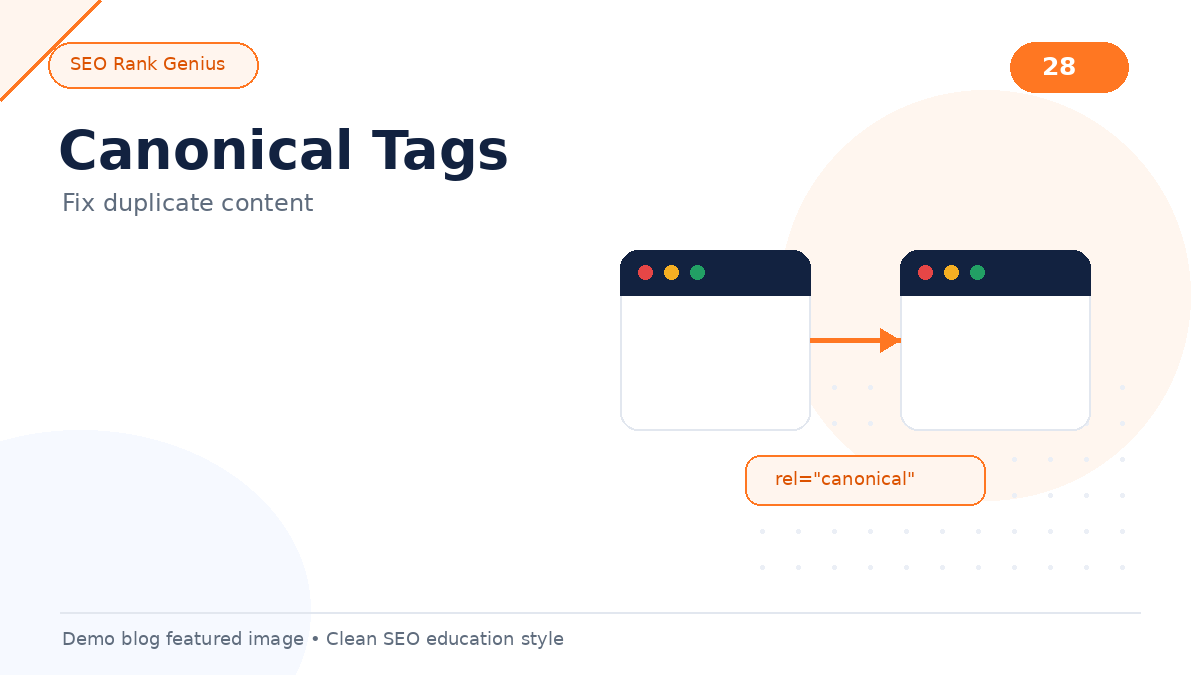
Canonical tags tell search engines which URL is the preferred version when similar or duplicate pages exist. A rel=”canonical” link in the HTML head (or HTTP header) consolidates ranking signals toward one URL. Fix duplicates by picking a primary URL, implementing canonicals consistently, and reducing unnecessary alternate paths with redirects when possible.
Why Duplicate URLs Happen
Common sources on WordPress and ecommerce sites:
- HTTP and HTTPS both accessible
- Trailing slash and non-trailing slash variants
- Category and tag archives overlapping topics
- Session IDs or UTM parameters appended to internal links
- Paginated comment or archive pages
- Syndicated guest posts republished on your blog
None of these automatically destroy SEO, but they split signals and can confuse analytics.
What a Canonical Tag Does
The canonical tag looks like this in HTML:
``
It communicates preference, not a command Google must obey in every edge case, but it is the standard tool for duplicate management.
Self-referencing canonicals
Even unique pages should usually include a self-referencing canonical pointing to the clean preferred URL. This clarifies intent when parameters appear later.
Fixing Duplicates: Step by Step
1. List URL pairs that return similar content
2. Choose the URL you want in search results
3. Add canonical tags on alternates pointing to the preferred URL
4. Update internal links to use the preferred version
5. Add 301 redirects when alternate URLs should never be used
6. Validate in Search Console URL Inspection after deployment
WordPress and Plugin Behavior
Many SEO plugins output canonicals automatically for posts and pages. Problems appear when:
- Two plugins both output conflicting canonicals
- Paginated archives canonicalize incorrectly
- Custom post types lack template support
Audit view-source on key templates after major plugin changes.
Canonical vs 301 Redirect
| Situation | Best tool |
|———–|———–|
| Alternate URL still useful for users (tracking params) | Canonical to clean URL |
| Old URL permanently replaced | 301 redirect |
| Temporary campaign URL | 302 or canonical depending on goal |
| Syndicated copy on partner site | Canonical to original publisher URL |
Common Mistakes
- Canonical pointing to a 404 URL
- Mixed signals: canonical to page A while internal links favor page B
- Canonical chains (A → B → C)
- Using canonical when complete noindex is required for thin duplicates
Thin Section
Quick fixes: add tags. Done.
Keyword stuffing example (intentional demo flaw)
Canonical tags canonical tags canonical tags canonical tags canonical tags canonical tags canonical tags are important for canonical tags SEO when canonical tags duplicate content appears and you need canonical tags on every page with canonical tags best practices for canonical tags WordPress sites using canonical tags without understanding canonical tags at all.
FAQ
Do canonical tags pass link equity?
Google treats canonicalization as a strong hint to consolidate signals toward the preferred URL.
Can I canonicalize across domains?
Yes, cross-domain canonicals are supported when you syndicate content and want the original to rank.
What if Google picks a different canonical?
Review internal links, sitemap entries, and duplicate signals. Align on-page and off-page cues toward your preferred URL.
Final Thoughts
Duplicate URLs are normal at scale. Canonical tags canonical tags canonical tags help search engines understand which version you prefer. Audit templates, align redirects, and keep internal links consistent.
Try SEO Rank Genius on demo.seorankgenius.com to review on-page signals on a live WordPress demo site.