How to Use H1, H2, and H3 Headings in Blog Posts Properly
Headings break long articles into scannable sections. Readers skim them before they commit to reading. Search engines also use headings as hints about page structure and subtopics.
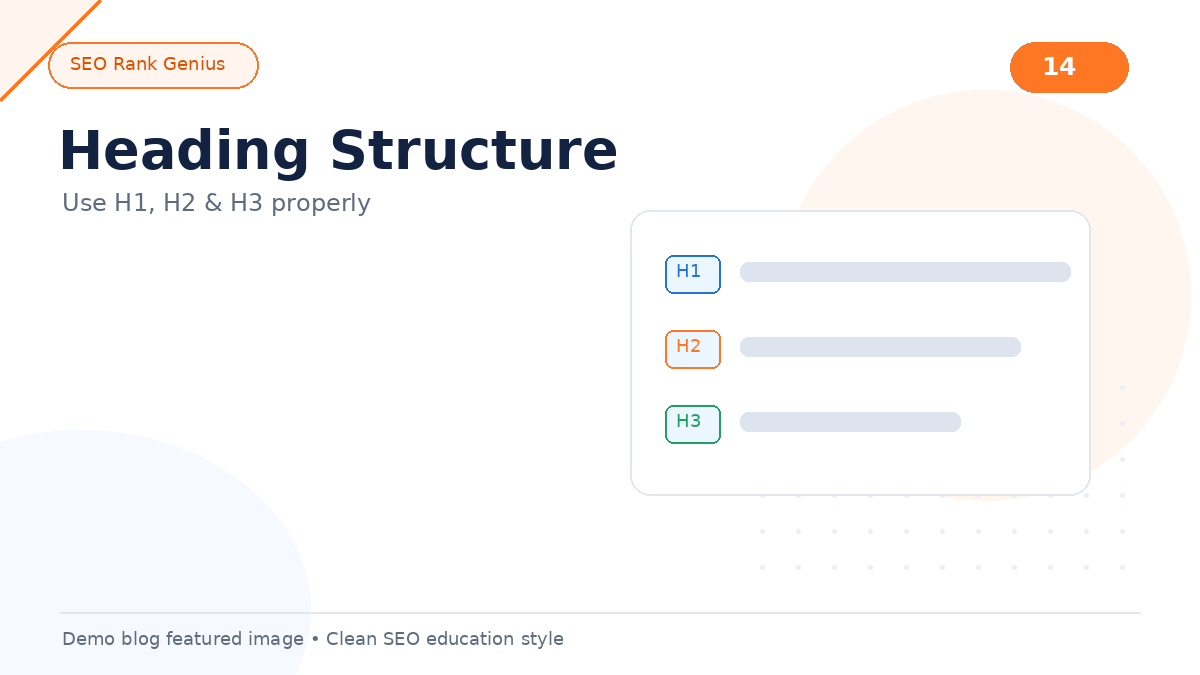
Many WordPress bloggers treat headings as decoration. They pick sizes based on looks instead of hierarchy. That creates confusing pages that are harder to read and harder to interpret.
Quick Answer
Use one H1 for the main topic, H2 for major sections, and H3 for subsections under an H2. Do not skip levels (for example, H1 straight to H4). Write headings that describe the section content in plain language so skimmers and crawlers understand the outline.
Why Headings Matter
Headings serve two audiences.
Readers use them to jump to the part they care about. A wall of text without headings loses attention fast.
Search systems use headings as structural signals. They are not magic ranking levers on their own, but they clarify how ideas relate on the page.
Good heading structure supports readability. Readable pages tend to keep visitors longer, which helps performance indirectly.
The Basic Hierarchy
Think of headings as an outline:
- H1: document title (one per page)
- H2: main chapters
- H3: sub-points inside a chapter
- H4 and below: rare, for deep technical docs
In WordPress block editor, the post title is usually the H1. Body blocks should start at H2 for major sections.
Example outline for a tutorial
H1: How to Bake Sourdough Bread
H2: Ingredients You Need
H2: Mixing the Dough
H3: Autolyse Step
H3: Adding Starter
H2: Baking and Cooling
Each heading tells you what the next block covers.
Writing Headings People Actually Use
Weak headings label sections without saying anything:
- “Introduction”
- “Conclusion”
- “More Info”
- “Details”
Stronger headings describe the takeaway:
- “Why Starter Temperature Changes Rise Time”
- “Three Signs the Dough Is Ready to Shape”
Descriptive headings help skimmers decide where to scroll. They also make FAQ and table-of-contents plugins more useful.
Common Mistakes
Multiple H1 tags. Some themes add an extra H1. Inspect the rendered page. One H1 is the standard.
Skipping H2 and jumping to H4 for styling. Pick the correct semantic level, then adjust CSS if needed.
Using headings for entire paragraphs. Headings should be short labels, not five-sentence blocks.
Styling-only bold text instead of real headings. Bold paragraphs do not carry the same structural signal as heading tags.
Random keyword lists in headings. Headings should read naturally. Stuffing terms looks spammy.
A Simple Audit Process
1. View the published page outline (outline view in block editor or a browser extension)
2. Confirm a single H1
3. List all H2 sections: do they cover the full topic without overlap?
4. Check H3 usage: only where subsections truly need split
5. Read headings alone: do they summarize the page?
If headings alone tell a coherent story, structure is likely solid.
Headings in WordPress Block Editor
Use the Heading block, not Paragraph with large font. Select the level from the toolbar (H2, H3, etc.).
For reusable patterns:
- Quick Answer as H2 near the top
- FAQ questions as H3 under an H2 FAQ section
- Checklists under an H2 labeled Checklist
Avoid converting the post title block into H2. Keep title as H1.
FAQ
Do headings directly boost rankings?
They help structure and readability. They are not a standalone ranking trick. Content quality and relevance still dominate.
Should keywords appear in every heading?
No. Use keywords when they fit naturally in a descriptive heading. Forced repetition hurts readability.
Can I use H2 for FAQ questions?
Yes. H3 for each question under an H2 FAQ section is a common pattern.
What if my theme adds a second H1?
Fix the theme or adjust template settings. Duplicate H1 tags confuse outline logic.
Final Thoughts
Clear heading hierarchy makes blog posts easier to read and easier to navigate. Treat headings as an outline for humans first. Structure follows from there.
When you publish regularly, review heading patterns across posts in your SEO plugin demo environment to spot pages that need clearer section labels.