XML Sitemap Guide: What It Is and Why Your Website Needs One
Search engines discover pages by following links, but not every URL on your site is linked prominently from the homepage or navigation. An XML sitemap gives crawlers a structured list of URLs you consider important, along with optional metadata like last modified dates.
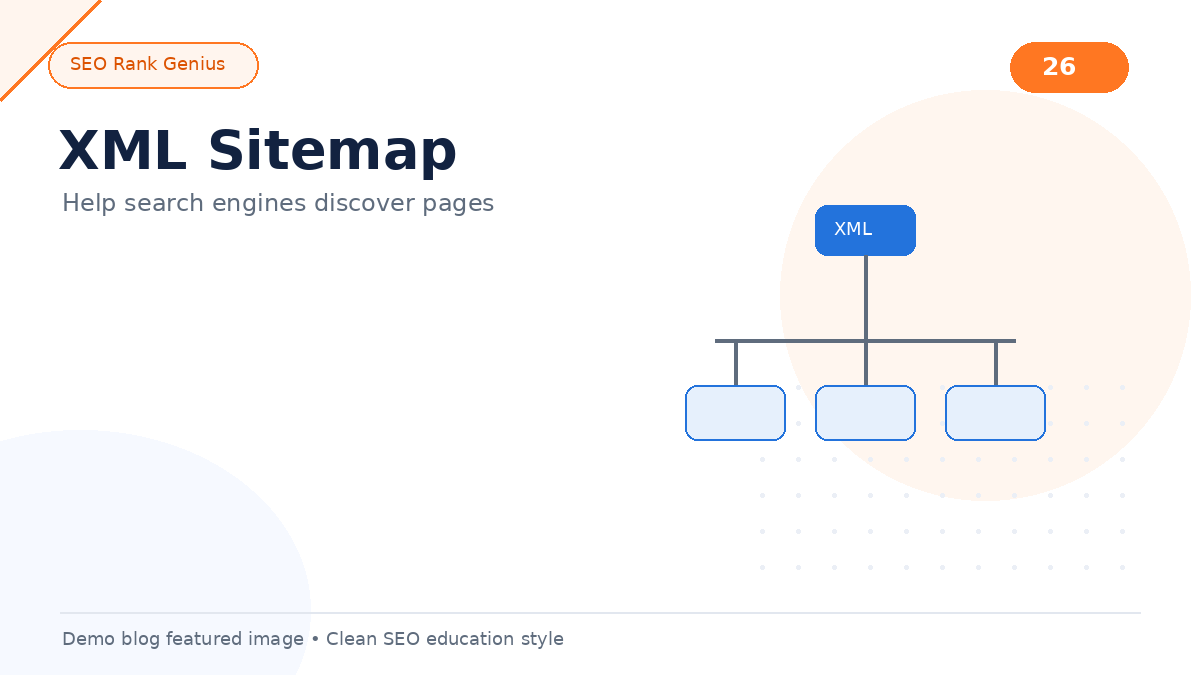
This XML sitemap guide explains what sitemaps do, how they fit into technical SEO, and how to configure them on WordPress without flooding indexation with low-value URLs.
Quick Answer
An XML sitemap is a file (often split into a sitemap index) that lists URLs for search engines to crawl. It does not guarantee indexing, but it improves discovery for new sites, large sites, and pages with weak internal links. On WordPress, check `/wp-sitemap.xml` or your SEO plugin sitemap settings, then submit the sitemap URL in Google Search Console.
What an XML Sitemap Actually Does
A sitemap is not a ranking boost by itself. It is a discovery aid. Crawlers still decide whether to index a URL based on quality, duplicates, and site signals.
Sitemaps help most when:
- Your site is new and has few external links
- You publish frequently and want fresh URLs noticed faster
- Deep pages sit far from the homepage
- You run a large ecommerce or documentation site
Each entry typically includes:
- Loc: the full URL
- Lastmod: last modification date (optional but useful)
- Changefreq / priority: hints only; Google largely ignores these today
WordPress XML Sitemaps Out of the Box
Since WordPress 5.5, core generates sitemaps at:
`https://yoursite.com/wp-sitemap.xml`
That index points to sub-sitemaps for posts, pages, users, and taxonomies. For many blogs this is enough to start.
Checklist for core sitemaps:
- Visit the sitemap URL while logged out; confirm 200 response
- Ensure Settings → Reading does not block search engines
- Confirm robots.txt references the sitemap (WordPress adds this by default)
If you use Yoast, Rank Math, or similar plugins, they may replace or extend core sitemaps. Pick one system to avoid duplicate sitemap URLs.
What to Include and Exclude
Not every WordPress URL deserves sitemap space. Thin or duplicate archives can waste crawl attention.
Usually include
- Published posts and pages
- Important category archives that drive traffic
- Key landing pages and service URLs
Often exclude
- Tag archives on small sites with thin content
- Attachment URLs (media file pages)
- Internal search result pages
- Paginated comment pages
- Staging or noindex URLs
Align sitemap contents with your broader technical SEO checklist for WordPress so discovery and indexation policies match.
How to Submit a Sitemap to Google
1. Verify your property in Google Search Console
2. Open Sitemaps in the left menu
3. Enter `wp-sitemap.xml` or your plugin sitemap path
4. Submit and monitor for errors
Bing Webmaster Tools accepts the same URL. After major site changes, resubmit or rely on ping behavior; Search Console will show fetch status and discovered URL counts.
Sitemap Best Practices
- Keep sitemap files under 50,000 URLs and 50MB uncompressed per file; split with a sitemap index when needed
- Use absolute URLs with your canonical host (HTTPS, preferred www/non-www)
- Remove URLs that return 404 or 301 to unrelated destinations
- Update lastmod when content materially changes; avoid fake daily timestamps on unchanged pages
- Do not block the sitemap in robots.txt
Table: Common sitemap issues and fixes
| Issue | Likely cause | Fix |
|——-|————–|—–|
| Sitemap could not be read | Server block, wrong URL | Test URL in browser; check firewall |
| Discovered – currently not indexed | Quality or duplicate signals | Improve content; check canonicals |
| Submitted URL not found (404) | Permalink change | Update sitemap source; add redirects |
| Duplicate sitemap entries | Two plugins generating sitemaps | Disable one generator |
Sitemaps vs Robots.txt
Robots.txt controls whether crawlers may request paths. Sitemaps list URLs you want discovered. They work together: allow crawling of public content, then point crawlers to the sitemap for efficient discovery.
Learn how blocking rules interact in robots.txt explained.
Common Mistakes
- Submitting a sitemap full of noindex URLs
- Including staging domains in production sitemaps
- Forgetting to update sitemaps after HTTPS migration
- Assuming sitemap submission equals guaranteed indexing
- Running two SEO plugins that both output conflicting sitemap indexes
FAQ
Is an XML sitemap required for SEO?
No, but it is strongly recommended for most sites, especially new or large ones.
Does priority in sitemaps affect rankings?
Google treats priority as a hint and generally does not use it as a ranking factor.
Should I include lastmod dates?
Yes when accurate. They help crawlers prioritize recrawls after real updates.
Can I have multiple sitemaps?
Yes. Large sites use a sitemap index linking to segmented files (posts, products, categories).
What if my sitemap shows fewer URLs than I expect?
Check post status (must be published), sitemap filters in your SEO plugin, and whether custom post types are enabled in sitemap settings.
Final Thoughts
An XML sitemap is a simple file with an outsized impact on discovery. Configure it once, exclude noise, submit it in Search Console, and revisit settings when your site structure changes.
Want help finding orphan pages and weak internal paths that sitemaps alone will not fix? Explore the SEO Rank Genius demo on demo.seorankgenius.com and review how the plugin maps site structure.